Your sister turns 40 next Saturday. You have a card in your hand, a pen, and about four thousand photos on your phone, and nothing on the rack in front of you says anything true about her.
One well-chosen photo fixes that. Put the right image on the front, place it with care, and the same card stops being a generic wish and becomes something she leaves on the fridge door for a year.
Cards have worked this way since the medium industrialized. The Encyclopaedia Britannica history of the greeting card traces the shift from expensive handmade cards to affordable mass-produced ones, helped by the 1840 postage stamp and, in the United States, by Louis Prang's lithographic business near Boston from 1856. The format scaled. The words and the images stayed personal.
These eight formats run that range, from one hero portrait to an AI-styled illustration. Each entry names the recipient it suits and the print details that decide whether the photo looks sharp or soft on a 125 × 175 mm (4.9 × 6.9 inch) folded card.
Table of Contents
- 1. Single Hero Portrait Front
- 2. Photo Collage Grid
- 3. Then and Now Photo Card
- 4. Photo Strip Card
- 5. AI-Styled Portrait Card
- 6. Pet Photo Birthday Card
- 7. Full-Bleed Photo with Minimal Text
- 8. Personal Message with Photo Insert
- How the 8 birthday photo card ideas compare
- Pick One Format, Then Make It Personal
1. Single Hero Portrait Front
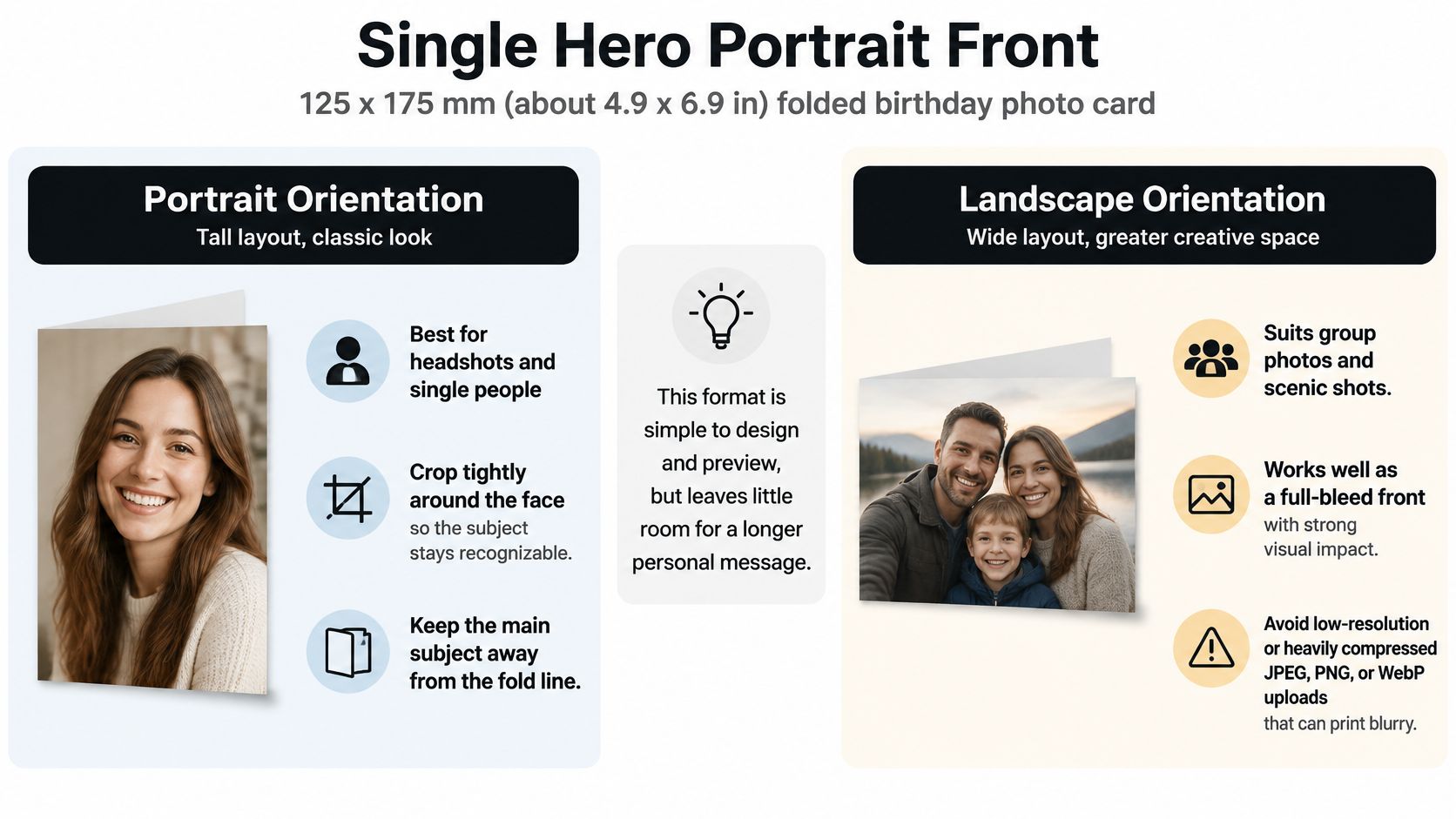
One photo of the recipient filling the front panel, message inside. It's the format that often comes to mind first, and it's the right call when a single image captures the person: the laugh caught mid-sentence at a dinner table, the one where she's looking at the camera.
Orientation decides everything downstream. A portrait crop suits a headshot or a couple. A wide crop suits a group or a scene where the place matters as much as the face.
Resolution and Crop Math
The working standard is about 300 pixels per inch at final size, which HP's guide to printing photos at home puts at roughly 1,500 × 2,100 pixels for a 5 × 7 inch print. Scale that to a 125 × 175 mm panel and you need about 1,480 × 2,070 pixels. A modern phone camera clears that easily. A screenshot from a group chat, a messaging-app download, or an Instagram export usually doesn't.
The same guidance names cropping, not softness, as the usual reason photo cards disappoint. A sharp photo cropped through someone's ear reads worse than a slightly soft photo cropped well.
- Pull the original file. Send it from the camera roll, not from the third app it passed through.
- Crop to the face, not the frame. Head and shoulders filling a third of the panel is the safe target.
- Guard the fold. Keep eyes, chins, and hat brims at least 10 mm clear of the fold edge, so nothing splits when the card opens.
- Skip heavy filters. Warm tone shifts that look fine on a screen can go muddy in ink.
Practical rule: if you can't identify the person from arm's length, the crop is too wide.
Say you're making a card for a friend who just moved across the country. The photo you want is the two of you in her old kitchen, not the posed shot from her last formal event. For the full upload-and-approve walkthrough, the guide to personalized greeting cards with a photo covers the steps.
2. Photo Collage Grid
A fortieth birthday deserves more than one frame. Three or four photos on the front, each from a different decade or a different trip, tell the story of a relationship in a way a single portrait can't.
The volume justifies the effort. In the United States, roughly 6.5 billion cards are purchased each year and about 90% of households buy them, according to reporting on the greeting card industry, with birthday cards the leading everyday occasion at about 60% of individual everyday cards sold. This is the most repeated card you will ever send.
Keeping Four Photos Readable
The temptation is to include everything. Four is the ceiling on a front panel; six turns into a contact sheet nobody can parse at arm's length.
Each cell in a two-by-two grid on a 125 × 175 mm card is roughly 58 × 82 mm, which needs about 700 × 1,000 pixels at 300 ppi. Pull each photo at full size and crop to that box yourself rather than letting the layout crop blind.
- Match the light. Four outdoor shots in similar tones read as one design; a flash photo next to a golden-hour photo reads as a mistake.
- Give the best image the biggest cell. One large photo with two or three smaller ones beats four equal squares.
- Order them in time. Left to right, oldest to newest, so the grid has a narrative.
- Check the edges in preview. Faces clipped at a cell boundary are the most common complaint.
A fiftieth birthday card for a father works well this way: one photo per decade, largest frame reserved for the most recent one. For a grandparent, the birthday card ideas for grandma collection leans on family groupings that suit a grid naturally.
3. Then and Now Photo Card
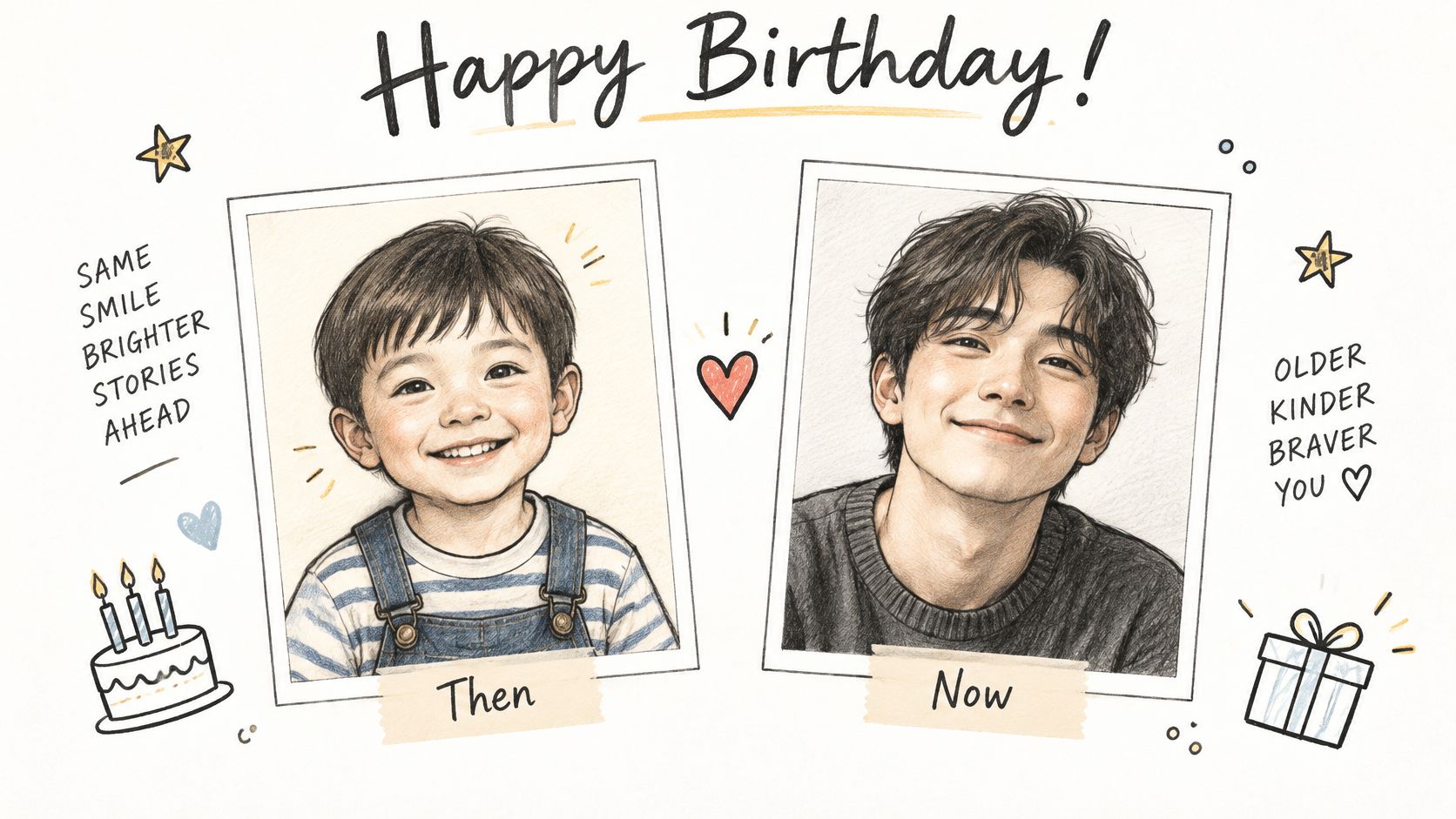
Start with a school portrait and a photo from last month, side by side. It gets the loudest reaction of any format, and it's hard to get wrong if both images are cropped the same way.
Buyers already spend on this kind of personalization. The U.S. personalized-gifting market was valued at $9.69 billion in 2024, according to a market report distributed by GlobeNewswire, and a printed card is the cheapest entry point into it.
Scanning Old Prints Properly
A phone photo of an old photo won't hold up. Scan at 300 dpi minimum and at print size, which turns a 4 × 6 inch print into 1,200 × 1,800 pixels, several times what a half panel needs. A photo lab or office-supply store will scan a stack for a few dollars, and the difference is obvious in print.
- Match head size. Scale so the head is the same height in both frames. That single alignment is what makes the comparison land.
- Align the eyeline. Nudge both crops so the eyes sit at the same height across the spread.
- Keep the caption to one line. "Then and now, still my favorite person" is enough.
- Ask before you print. A childhood photo of a sibling may include people who'd rather not appear on a card that ends up on social media.
A childhood beach photo beside last summer's family vacation shot, both cropped to the same head height, is the version that gets framed rather than binned.
4. Photo Strip Card
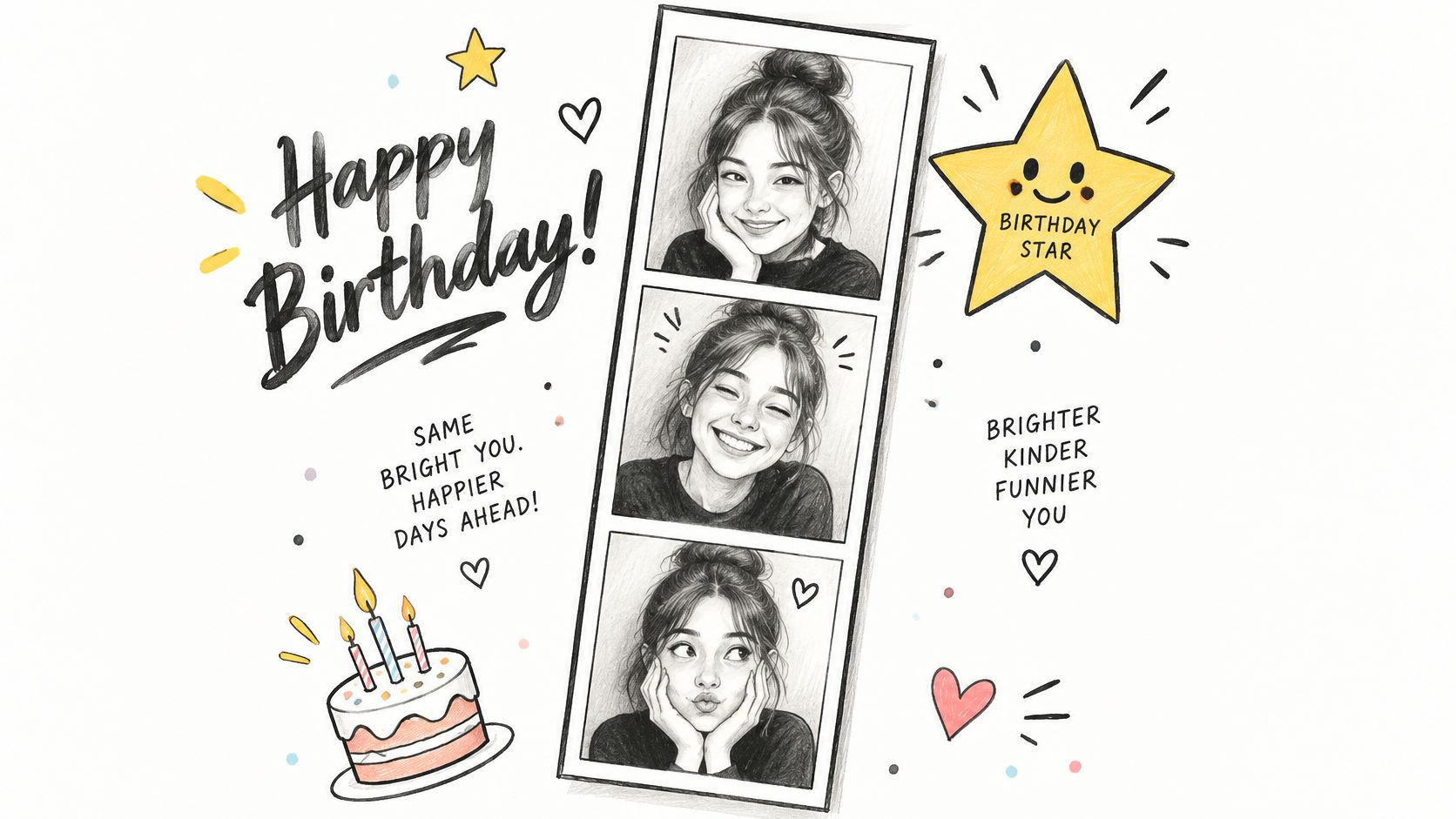
Photo booth strips are fun because they look cheap on purpose. A vertical run of three or four small frames on the front carries that same loose, unposed energy, which is why it's the format for a friend rather than a parent.
The appetite sits with the people who'd send one. In a global market report on photo printing, 57% of consumers reported buying at least one personalized photo product, and 43% of people aged 18 to 27 regularly turn digital photos into physical formats, compared with 5% of adults aged 60 to 78, per Market.us research on the photo printing and merchandise market. Younger senders already treat a camera roll as raw material for print.
Sizing a Strip That Doesn't Blur
Four frames stacked down a 175 mm panel leave about 35 mm of height each once margins and gaps are counted. At 300 ppi that's roughly 1,350 × 420 pixels per frame, and that's the floor, not the target.
- Crop to one ratio. All four square, or all four 4:5. Mixed ratios kill the effect.
- Pick contrast over content. Faces have to read at thumbnail size, so choose bright frames over moody ones.
- Repeat a pose. Four variations of the same lean-in are funnier than four unrelated shots.
- One line, no more. "Another year of trouble" does work a paragraph can't.
The strip works when it looks like it was shot in ninety seconds. Start art-directing it and the joke dies.
A four-frame run from a night out, printed small and stacked, says more about a friendship than a formal portrait ever will. Keep the frames tight on faces so the strip survives being viewed at arm's length on a kitchen counter.
5. AI-Styled Portrait Card
The trade-off is honest. A painted or illustrated version of a photo never looks like the person as accurately as the photo does, but it looks like a gift. Recommend it for the recipient who already has enough photographs of themselves.
Assistant-led design tools can take one clear photo and return a set of stylized versions: watercolor, pencil, or flat illustration. You pick one, approve the layout, and the message gets typeset separately so the wording stays exact. That last point matters more than it sounds. Generated images often carry garbled text baked into the artwork, and you don't want a name smeared across a painted sleeve.
Getting a Likeness That Holds
The styles that work keep the face structure and simplify everything else. Heavy stylization, fantasy armor, cartoon animals, reads as a novelty mug by the second glance.
- Start with a passport-style photo. Face forward, eyes open, no sunglasses, plain background.
- Generate several and pick one. Likeness varies a lot between runs, and the first result is rarely the best.
- Keep text out of the artwork. Set the greeting in type, then check it at preview size on a laptop rather than a phone.
- Tell the recipient what it is. A line inside, something like "a machine painted this from your terrible selfie", keeps the joke on your side.
A watercolor version of a grandmother's 1950s portrait, set with a plain serif greeting inside, is the safest use of the format. A cartoon of a friend's dog works for the same reason: the subject is already a character.
6. Pet Photo Birthday Card
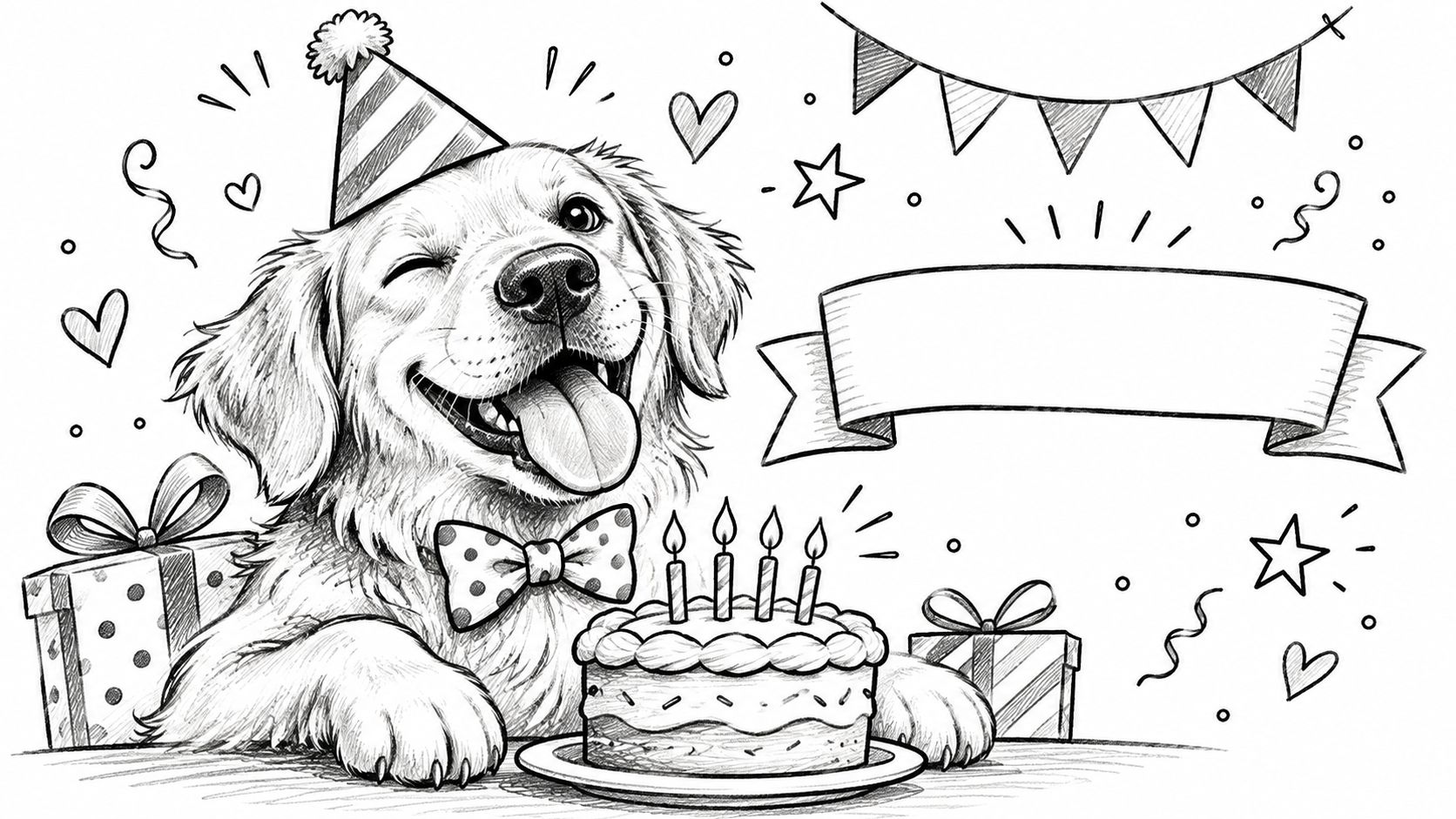
Some people love their dog more than they love cake. A pet card, with the message written in the animal's voice, is for that person, and it's the rare card that gets a laugh before it's opened.
Pet photos also sit at the affordable end of the personalized-gift economy. The global personalized gifts and cards market was valued at $38.6 billion in 2025, per DataIntelo's personalized gifts and cards market report, and a printed card is the smallest purchase in that category.
Shooting an Animal That Won't Sit Still
Blur is the enemy. Photograph in daylight near a window, use burst mode, and expect twenty frames to yield one usable image.
The head should fill at least a third of the panel width. On a 4.9 inch card that means about 1.6 inches of head, or roughly 500 pixels at 300 ppi. Aim for 1,000 and you'll have room to crop without losing an ear.
- Get low. Eye level with the animal beats looking down at it.
- Watch the eyes. Flash throws green or white eye shine that prints badly; window light doesn't.
- Use the pet's name inside. "Happy birthday from Biscuit" lands better than "Happy birthday from your dog".
- Match the recipient. Send the dog card to the dog's person, not to the friend who's allergic.
The same photo-forward thinking shapes the personalized Father's Day card ideas, where one good candid usually outperforms a formal group shot.
7. Full-Bleed Photo with Minimal Text
Send this format to the person who would frame the card. A partner, a parent, a close friend whose favorite place you already have on camera. One image covers the entire front panel, and three or four words inside do all the talking.
Full bleed fails more often than any other format, and it fails for a boring reason. The printer trims the sheet, so anything sitting at the edge of your file may not survive. Print quality decides the rest. A consumer survey on the Japan photo-printing market, cited by Credence Research, found that more than 60% of respondents treated print quality as a key factor when choosing a photo-printing service. A soft full-bleed image is the most visible way to waste the format.
Size the file before you fall in love with the photo. Filling a 125 × 175 mm card at 300 ppi takes roughly 1,500 × 2,100 pixels. A shot pulled from a group chat usually arrives compressed well below that, so track down the original file.
Choosing an Image with Room for Words
You want negative space: sky, water, a blank wall, a shadowed corner. If the photo has no quiet area, add a subtle dark gradient behind the text instead of running type across someone's cheek.
- Respect the trim. Pull important content at least 5 mm in from every edge so a shoulder or a hat brim doesn't get clipped.
- Clear the fold. In either orientation, the fold runs along a 175 mm edge of the card, so keep the subject's face well away from it.
- Use one weight of type. A clean sans-serif at a generous size reads over photography far better than a decorative script.
- Skip the drop shadow. If the text needs a shadow to stay legible, the photo is wrong for full bleed.
Practical rule: choose the photo for its empty space, then choose the words that fit there.
A sunset beach shot of a couple with "another year, same adventure" inside is the classic use. For a milestone birthday, a wide scenic view of somewhere the recipient loves beats a portrait, because the photo itself becomes the message and the text stays out of its way.
8. Personal Message with Photo Insert
The card that gets kept is rarely the funniest one. It's the one where someone wrote three sentences that could only have been written to that person, with a photo to anchor them.
This is the most personal version of the birthday card ideas with photos approach: a portrait on the front, a short note inside, and often a small second photo tucked beside the message. Personalization has become the default rather than the exception. In 2025, birthday cards represented 38.2% of global greeting-card market revenue, about $8.6 billion, per DataIntelo's greeting card market report, and personalized birthday cards accounted for 28.5% of the global personalized-cards market by volume, per its personalized cards market report. When anyone can print a photo, the writing is what separates one card from another.
Why the Words Carry the Format
- Write three to five sentences. Longer notes get skimmed; three good ones get reread.
- Name a specific memory. "The summer you drove us to the beach in that terrible van" beats "so many great memories".
- Size the insert. A 40 × 50 mm photo inside needs about 470 × 590 pixels at 300 ppi.
- Keep type off the gutter. The inside spread bends at the fold, so leave the center clear.
A front portrait of a sister paired with three sentences about a shared childhood kitchen, plus a small insert of the two of them at that same table last Christmas, turns a card into something she keeps in a drawer. Have permission from everyone in the frame before you print it.
How the 8 birthday photo card ideas compare
| Item | Best Orientation | Photos Needed | Best For |
|---|---|---|---|
| Single Hero Portrait Front | Portrait for one person; landscape for groups or scenery | 1 photo | Classic personal portraits and a fast, polished result |
| Photo Collage Grid | Grid or mosaic; orientation flexible | 2–4 photos | Milestone birthdays and shared memories |
| Then and Now Photo Card | Side-by-side or split panel | 2 photos | Family members and long-time friends |
| Photo Strip Card | Vertical or horizontal strip | 3–4 photos | Close friends and casual, playful birthdays |
| AI-Styled Portrait Card | Flexible | 1 reference photo | A creative custom look and guided workflow |
| Pet Photo Birthday Card | Front-facing pet portrait; orientation flexible | 1 pet photo | Pet owners and animal lovers who enjoy humor |
| Full-Bleed Photo with Minimal Text | Flexible; choose to suit the photo | 1 photo | Modern minimalist designs with a strong image |
| Personal Message with Photo Insert | Front photo with an inside message; orientation flexible | 1 photo, optional second | Gift-givers who want to include a heartfelt note |
Pick One Format, Then Make It Personal
Match first, design second. A single portrait is the classic keepsake for a partner or a parent. A collage earns its place at a milestone, when one picture can't carry forty years. A photo strip is for the friend you'd split a booth with, and a pet card is for the person whose lock screen is a dog.
Then check three things before you pay. Resolution: pull the original file, not a screenshot, and confirm it clears the pixel count for its slot. Crop: open the preview at full size and confirm no face is clipped by a cell edge, a trim line, or the fold. Permission: you should have the right to print every person visible in the photo, including whoever photobombed the group shot.
A word on AI-styled cards. They're the right choice when the recipient already has plenty of photographs, not when you're avoiding the work of choosing one. A stylized portrait of someone you see every week is a novelty. A real photo from a shared day is a keepsake.
If you only do one check, do this one: open the preview on a laptop, at full size, and look at the face. Phone screens flatter photos that print flat.
Mail This handles the production side if you'd rather not think about bleed, trim, and postage. Upload your own JPEG, PNG, or WebP image by choosing "Use your own" in the design studio, approve the exact card with the recipient and total shown, and the printed card goes out for $9.99, which includes the envelope and domestic postage plus any applicable tax. Delivery covers U.S. states and Washington, DC, with New York State currently not supported.
Choose the photo you trust most, match it to the person, and let the card do the rest.
Birthday cards work best when the front of the envelope already gives something away, and a photo does that before the card is even opened. Mail This turns the image on your phone and a short message into a printed folded card, with your exact wording typeset inside and the whole thing mailed for you. Pick the format that fits your recipient and start with the birthday coming up next at Mail This.